



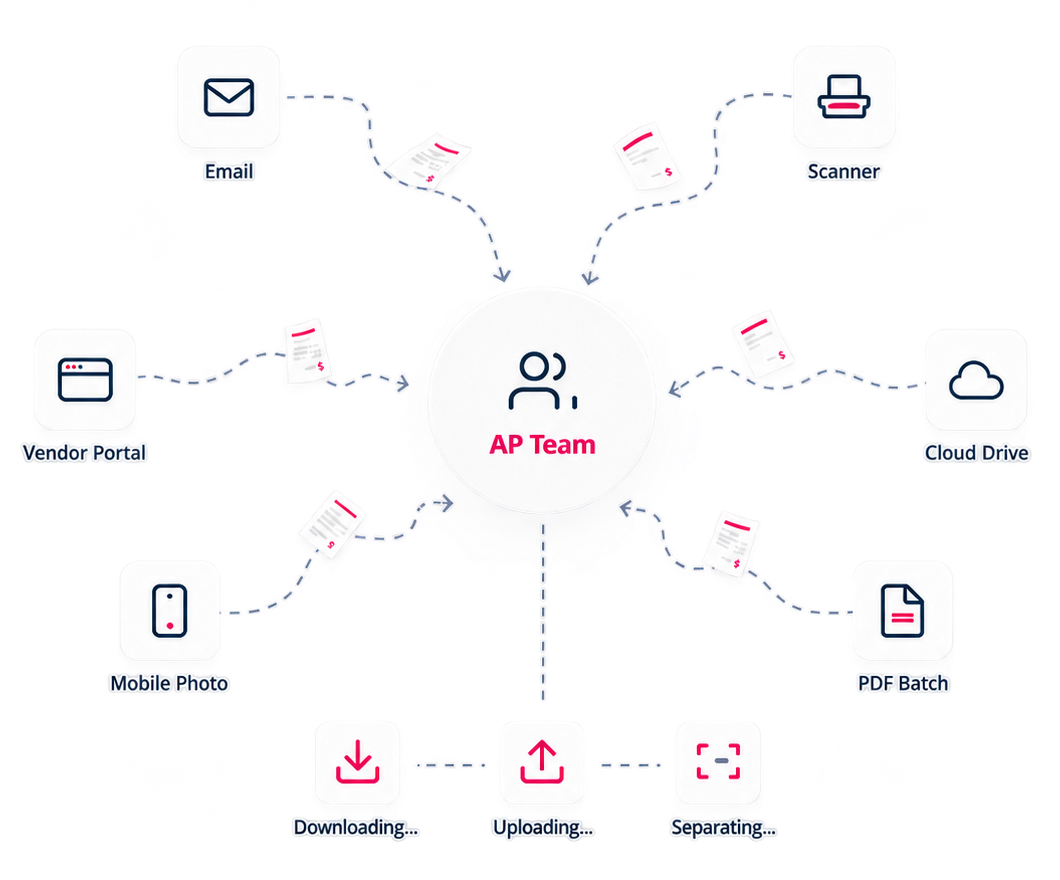
Invoice intake is still one of the most fragmented parts of AP
Invoices do not arrive in one neat place. They show up in shared inboxes, scanner folders, vendor portals, cloud drives, mobile photos, and mixed PDF batches. Before AP teams can approve, match, pay, or export anything, someone often has to chase the invoice down first. Then they have to download, forward, upload, separate, and organize documents manually.
That work happens before the AP approval process even begins. Meaning the slowest part is often not being automated at all.
Yooz brings every document into one controlled AP process
Yooz Omnichannel Capture gives finance teams multiple ways to receive and collect invoices while keeping the process centralized. Whether a document is uploaded manually, emailed, scanned, fetched from a vendor portal, imported from cloud storage, transmitted through SFTP, or received in an electronic invoice format, Yooz brings it into the same automated workflow, ready for AI-powered extraction, routing, and approval.
Omnichannel capture isn’t a mailbox. It’s the layer of AP automation that turns a dozen scattered intake paths into one AP workflow.
Every Intake Path Finance Actually Uses


Stop logging into vendor portals
Yooz automatically retrieves invoices from supported vendor portals and routes them directly into your AP workflow.
12,000+ supported vendor portals worldwide.
How It Works: From “Somewhere” to workflow ready

Find every invoice faster
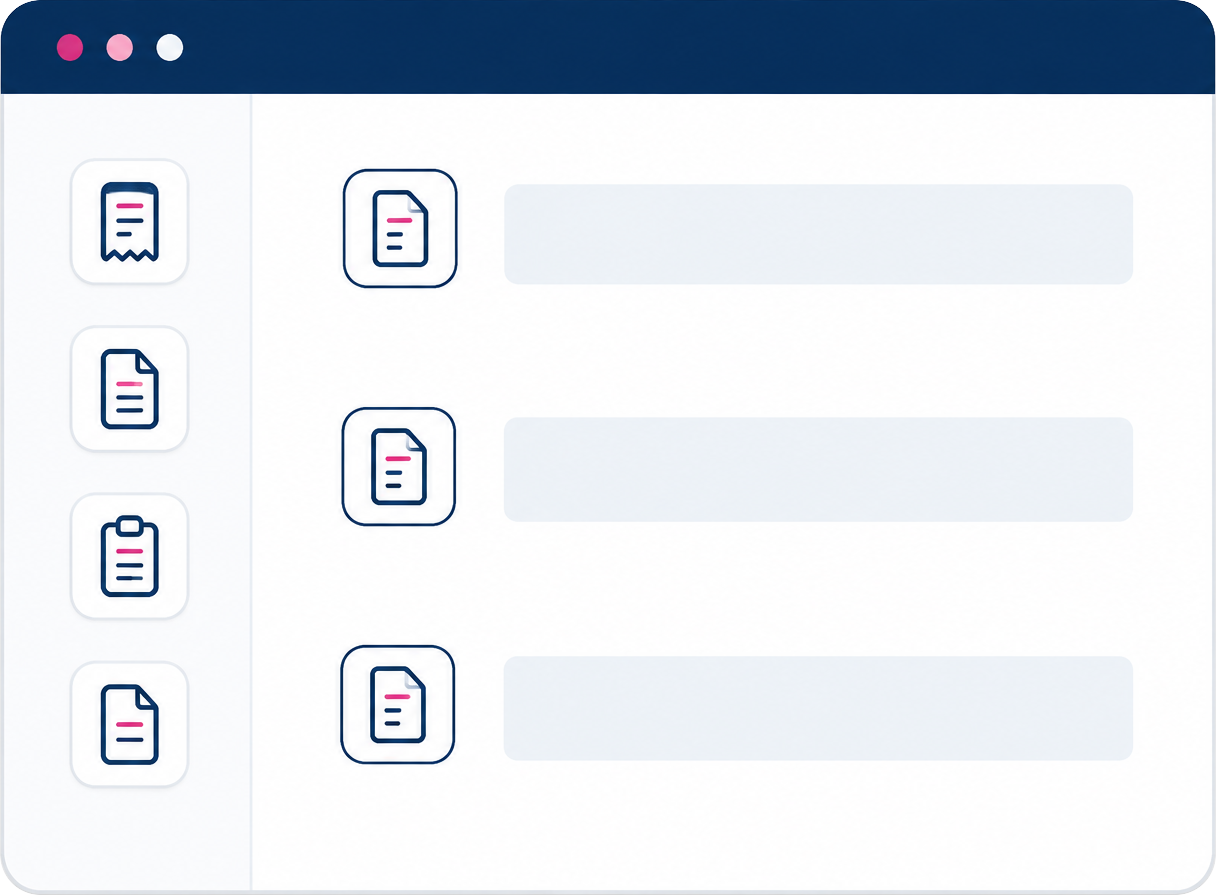
All captured invoices remain searchable, visible, and fully traceable by source, organization, date, and workflow status.
Capture is only the beginning
Captured documents flow directly into extraction, workflow rules, review, approval, matching, payment, archiving, search, reporting, and ERP export.
Over 12,000+
supported global vendor portals
Multiple capture channels
email, scan, mobile, cloud, SFTP, vendor portals, and electronic invoice formats
>18 file formats supported

Omnichannel Invoice Capture Built for Modern AP
FAQ
What is omnichannel invoice capture?
Omnichannel invoice capture means invoices and financial documents can enter the AP process from multiple sources, including email, scan, mobile, cloud folders, SFTP, electronic formats, manual upload, and supported vendor portals.
Can Yooz retrieve invoices from vendor portals?
Yes. Yooz Automatic Invoice Fetcher is designed to retrieve invoices and documents from supported vendor portals, with support for entity-specific vendor connections and scheduled downloads.
Can Yooz split batches of invoices?
Yes. Yooz supports batch splitting options, including separator-based approaches and automated split suggestions that can be validated or adjusted before documents move into workflow.
Does Yooz support email invoice capture?
Yes. Yooz supports email capture and can use dedicated email addresses and capture rules to route documents into the application.
What happens after a document is captured?
Captured documents move into Yooz for smart data extraction, workflow routing, review, approval, matching, payment, export, archive, and reporting depending on the configured process. The Yooz platform flow places Capture before downstream Review, Approve, Pay, and Export steps.